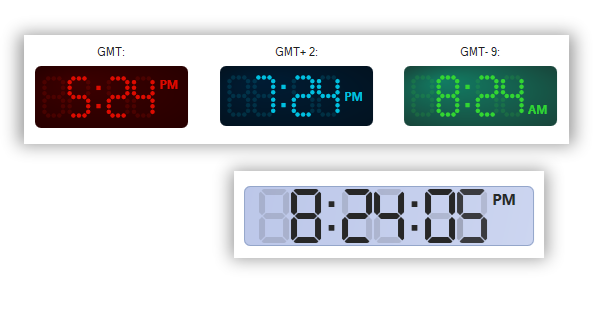
Numeric Indicators
 BCGControlBar Pro (MFC)
BCGSuite (MFC)
 BCGControlBar for .NET
Numeric indicators have two different styles:
- Classic style
- Digital style
Both styles support the following customizations:
- Total number of digits and number of leading zeros
- Numeric format: standard, scientific or hex
- State: normal, error, off or not ready
- Decimal point position
- Display or hide the decimal point
- Display or hide leading zeros
- Color customization includes fill color, outline color, decimal point color, separator color (for a digital style), and distinct color for major and decimal parts.
- Number transition effect (sliding for the "classic" indicator and fading for the digital indicator)
The digital indicator has the following additional customizations:
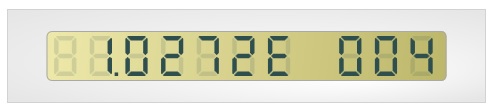
- The digital indicator supports various digit types, including 7 segments, 7 dotted segments, and 16 segments.
- Display or hide invisible segments
The digital indicator also supports copying to the clipboard and saving to a file.
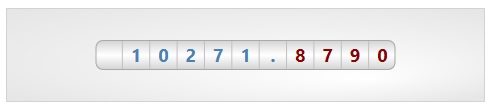
"Classic" (mechanical) Indicator:
Digital Indicator:
Digital Watch: