Calendar Control
 BCGControlBar Pro (MFC)
BCGSuite (MFC)
BCGControlBar for .NET
The calendar control provides the features of a traditional month calendar. It has a simple calendar interface, from which the user can manipulate date selection. The user can change the display in the following ways:
- Scrolling backward and forward, from month to month and year to year.
- You can select a month or year by clicking on the month name.
- Clicking the Today button at the bottom will navigate to and select the current system date.
- You can select a set of days or a range of days by clicking on the day, weekday, or week number while holding down the Ctrl and Shift keys.
A calendar bar can be created either as a popup control (like a menu bar) or as a regular control. There is an ability to integrate the calendar picker with menus and toolbars, as well as with our planner control.
Single month calendar:

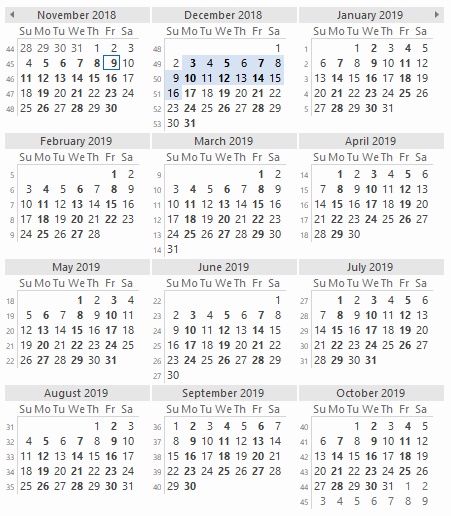
Multiple month calendar:
Sample code:
CBCGPCalendar m_wndCalendarCtrl;
m_wndCalendarCtrl.SetDate (COleDateTime::GetCurrentTime ());