Knob Control
 BCGControlBar Pro (MFC)
BCGSuite (MFC)
 BCGControlBar for .NET
Knob control allows changing the scale indicator value using a mouse or keyboard. Developers can customize the pointer's appearance, scale, labels, and color range. This control can be created as a standalone object or as a container object. Using this control allows creating fully interactive digital dashboards.
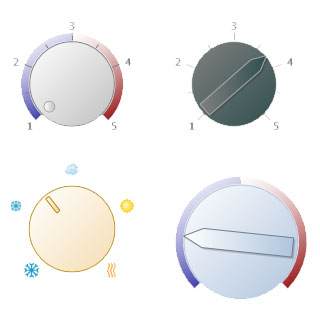
Knob controls with a various styles:
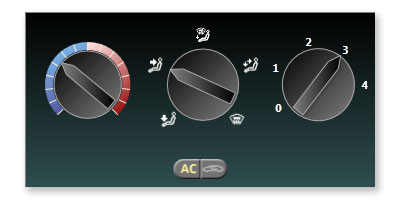
Container with 3 knob controls and 2 interactive image indicators:
Sample code:
CBCGPKnob* pKnob = new CBCGPKnob;

pKnob->SetRect(rectKnob);
pKnob->SetPointer(CBCGPKnobPointer(
  CBCGPKnobPointer::BCGP_KNOB_POINTER_HANDLE));